DisputeKit packs up a purchase dispute. This keeps the record of any dispute.
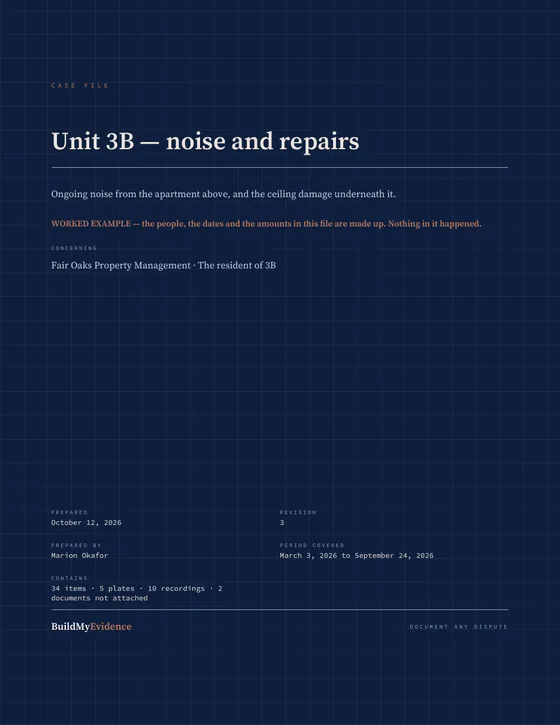
If you’re chasing a refund, a return or a surprise charge, DisputeKit is built for that and keeps everything on your iPhone. If the dispute runs longer, with a landlord, a contractor, an employer, an insurer, a neighbor, a customer, or something raised against you, BuildMyEvidence keeps a dated record of both sides as it unfolds and builds one file to hand over.
Free to build, every tool, no card. $59 once per case, only when you download your file.
Purchase dispute
→
Sample case · not a real dispute
Deposit not returned, 22 Oak Ave
ItemTheir sideYour side
007 Jul 2Move-out photos, 18 files
008 Jul 3Email asking for the deposit
No reply recorded · 4 weeks
Every entry: date it happened · date written
Pick DisputeKit if…
It’s a one-off refund or purchase problem
You only use an iPhone and want no account
You’d like a reminder for a date a company gave you
Pick BuildMyEvidence if…
It runs longer than a purchase
You want to work from your phone and your computer
The other side keeps replying (or doesn’t), or something’s been raised against you
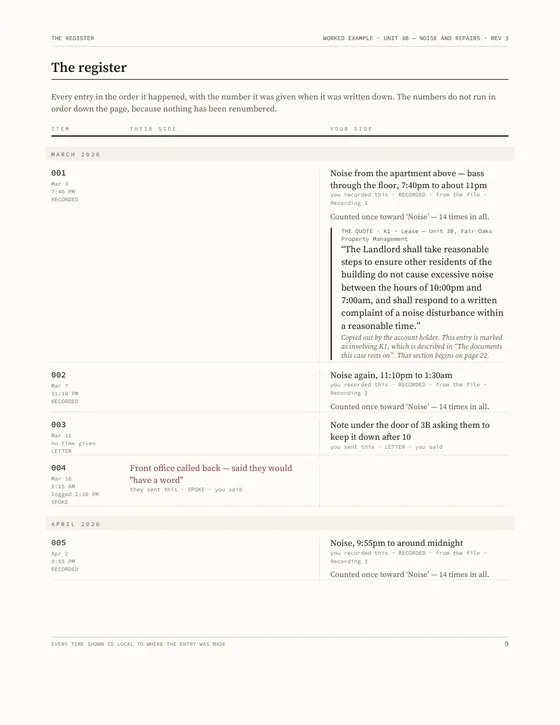
Two datesOn every entry. The date written can’t be changed.
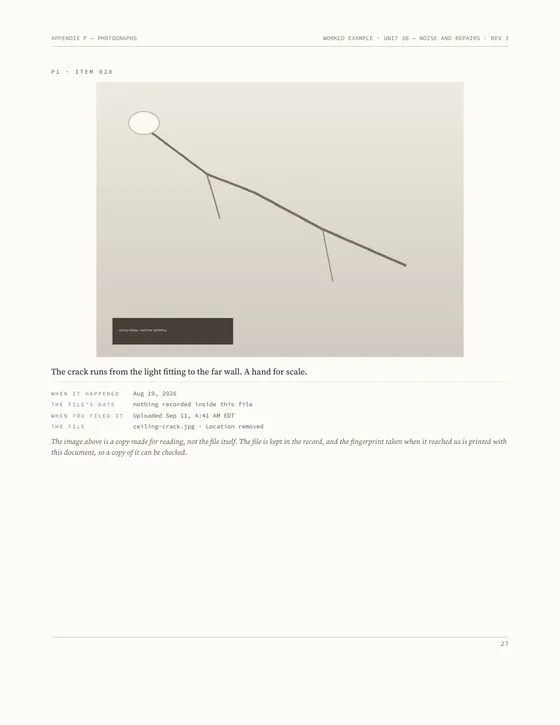
FingerprintedEvery file, on arrival — anyone can check it hasn’t changed.
Both sidesIn order. When they didn’t reply, that shows too.
Free to buildEvery tool, no card. Pay only when you download.
The difference
Where a purchase-dispute app stops
It’s built for refunds. Most disputes run longer than a purchase.
What it’s for
DisputeKit
Consumer purchase disputes: a denied refund or return, a damaged or missing order, a surprise subscription charge, a marketplace problem.
BuildMyEvidence
Any dispute, raised by you or against you: landlord, contractor, employer, neighbor, HOA, insurance, health billing, debt collector, unpaid invoices, customers and suppliers, and more.
Where it lives
DisputeKit
On your iPhone or iPad only. No account, and nothing is uploaded.
BuildMyEvidence
On our service, so it works on your phone and your computer. You sign in. We never sell your record or your data.
What comes out
DisputeKit
A PDF, or a ZIP with the evidence, an index and a checksum list.
BuildMyEvidence
One numbered, dated case file, with the files themselves and each one’s fingerprint, and a check code on every page that anyone can look up at /check.
DisputeKit or BuildMyEvidence
Compared
DisputeKit
BuildMyEvidence
Main job
Organizes evidence for a consumer purchase dispute
Keeps a dated record of any dispute and builds the file you hand over
Devices
iPhone and iPad
Phone or computer
Account
None; stays on the device
Sign in
Getting things in
You add receipts, screenshots, PDFs, text and links
Add items one by one, or drop a whole folder or zip into the in-tray, with a receipt for every file
The other side
Not its focus
Both sides in order; a missing reply shows as its own line
Dates
You confirm the dates it suggests, or enter approximate ones
Two dates on every entry; the date written can’t be changed
Deadline reminders
Yes, ones you set
No. It doesn’t track deadlines
Cost
Free for one case and 10 items, then a per-case or lifetime unlock in the App Store
Free to build, every tool, unlimited cases. $59 once per case at download
Not a law firm and no legal advice. We never write your words or say who’s right.
When DisputeKit is the better choice
It’s a one-off purchase problem, you only use an iPhone, you want everything to stay on the device with no account, and you’d like a reminder for a date a company gave you.
When BuildMyEvidence is the better choice
It runs longer than a purchase, the other side keeps replying (or doesn’t), you want to work from your phone and your computer, or something has been raised against you.